


 จดจำJODJAM
Open to everyone now
Ask anything.No need to raise your hand
An iPad notebook where you circle what you don't get and P'HOOQ teaches from that page, step by step, while the teacher sees where the whole class is stuck.

Download JODJAM from the App Store and start taking notes
ScrollJODJAM in 60 seconds
Three steps from stuck to sure
01
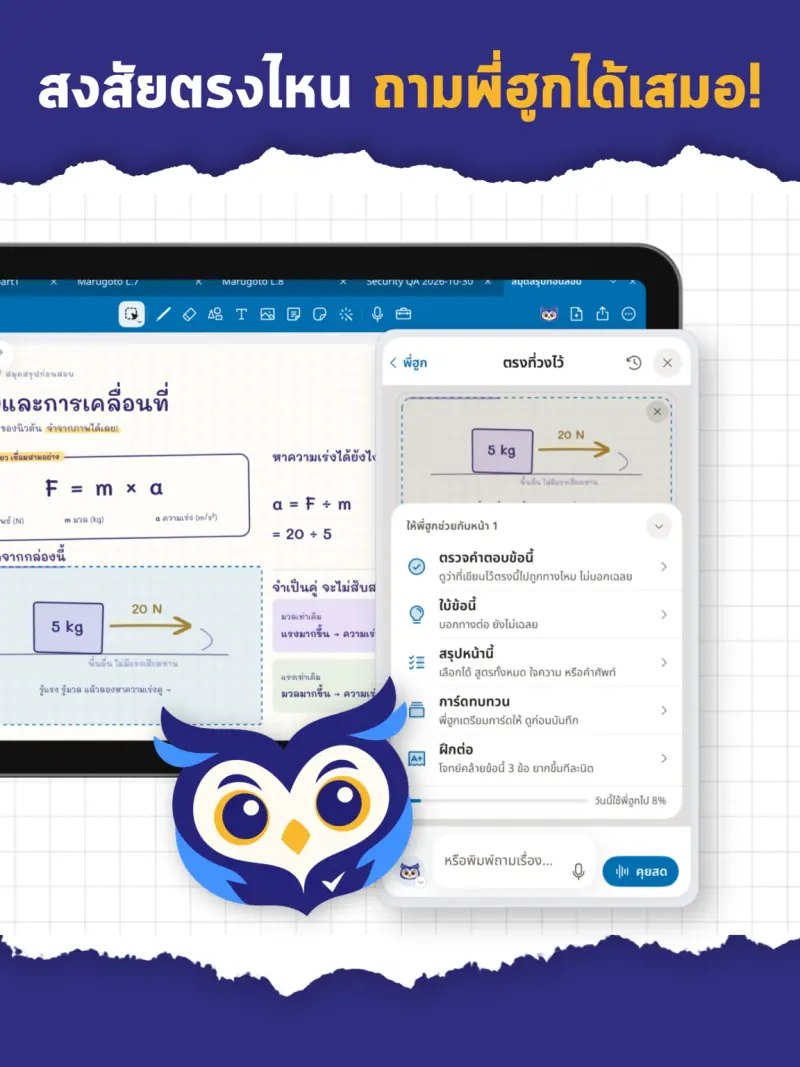
Circle what's confusing
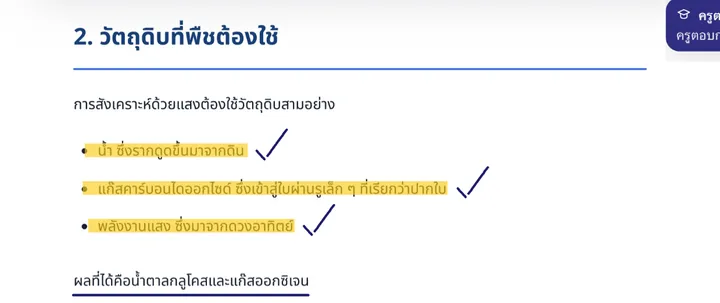
Circle on your teacher's own worksheet with Apple Pencil. No full question to type, no hand to raise.
02
P'HOOQ teaches from that page
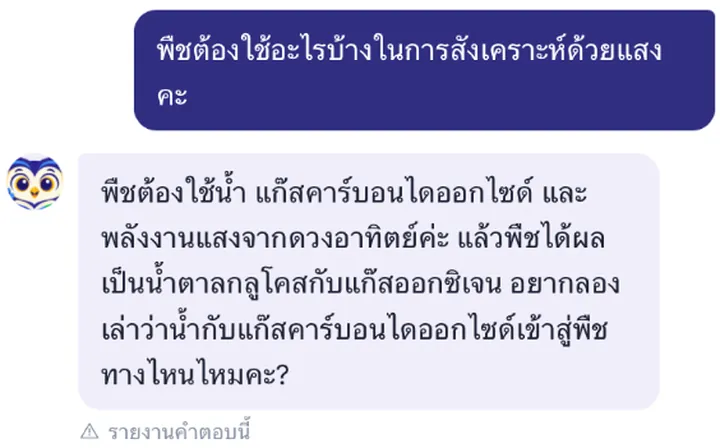
P'HOOQ sees what you circled and what's around it, then guides you one step at a time, hints before answers.
03
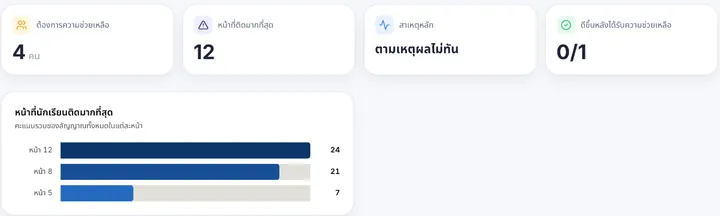
The teacher sees where the class is stuck
Teacher Pulse turns everyone's signals into a page-by-page picture, so help lands before the test.
A look inside JODJAM
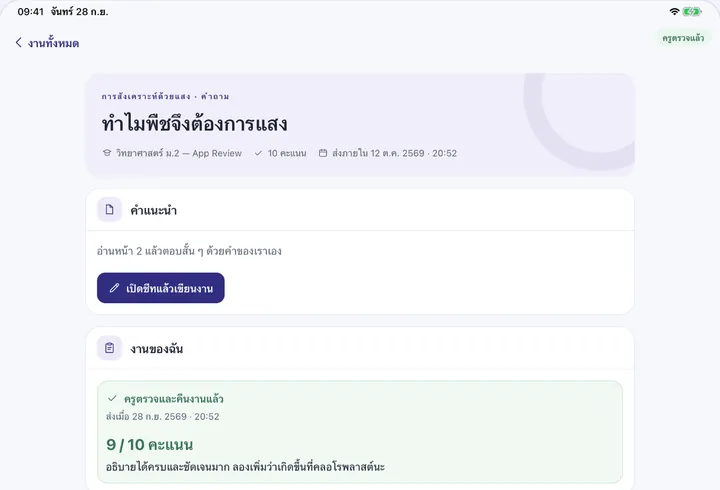
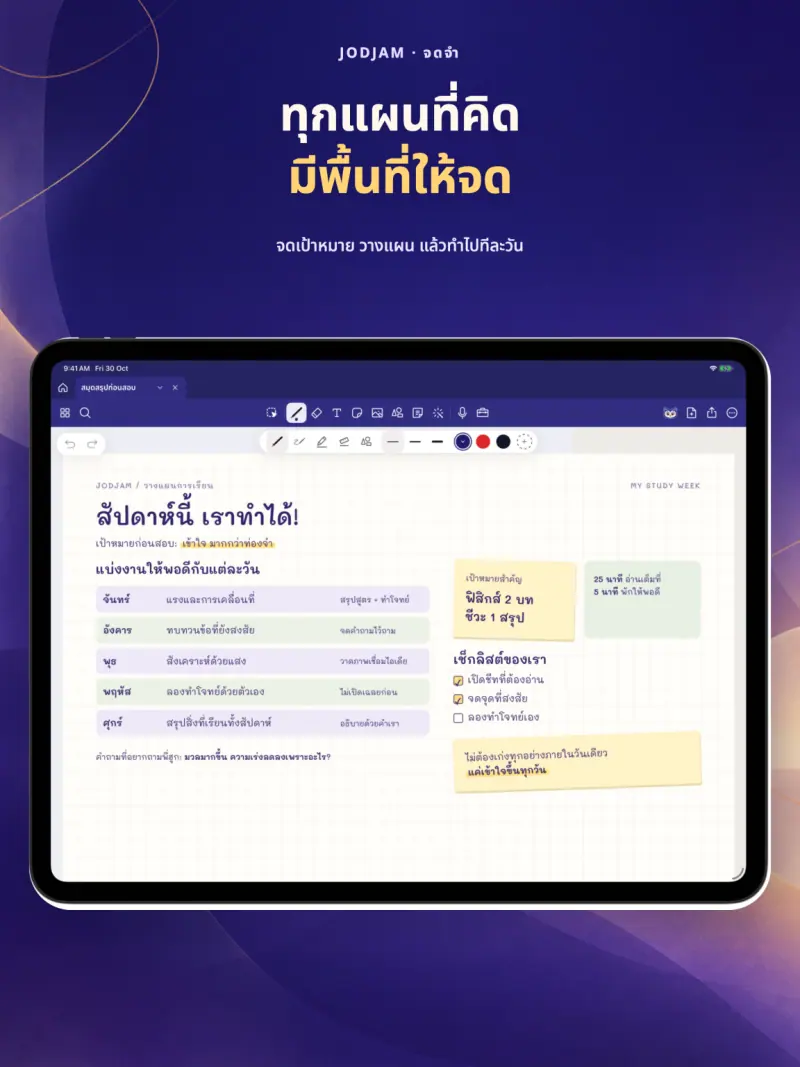
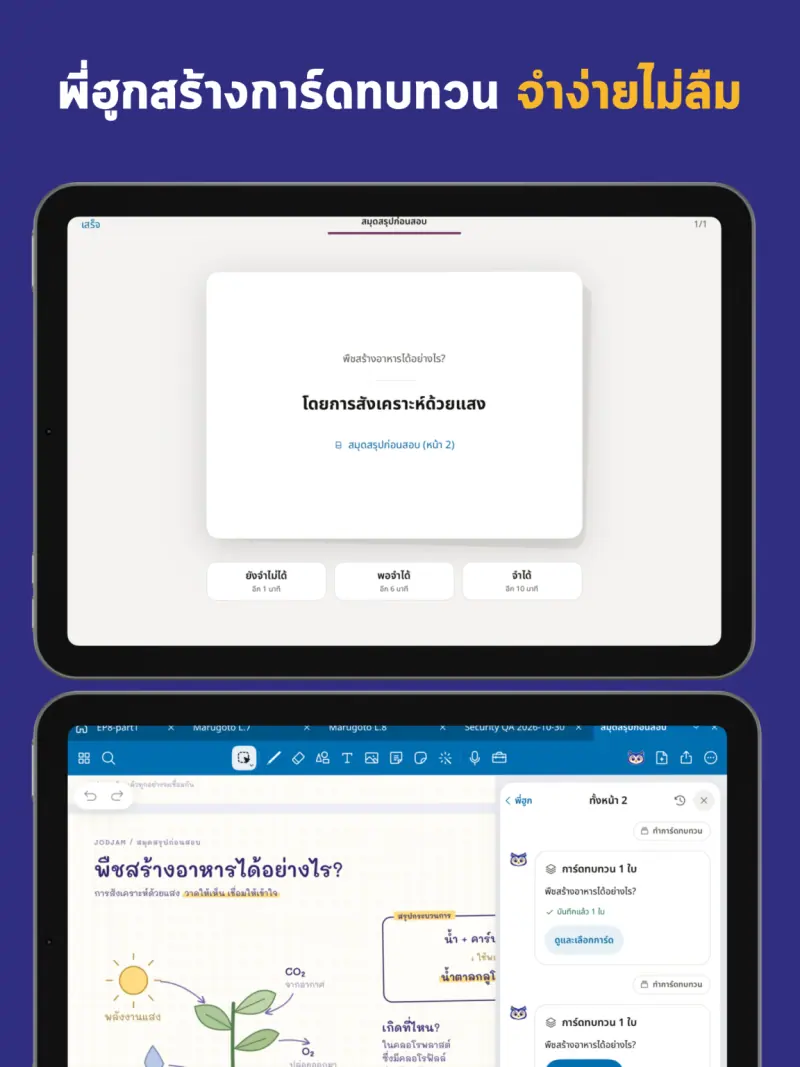
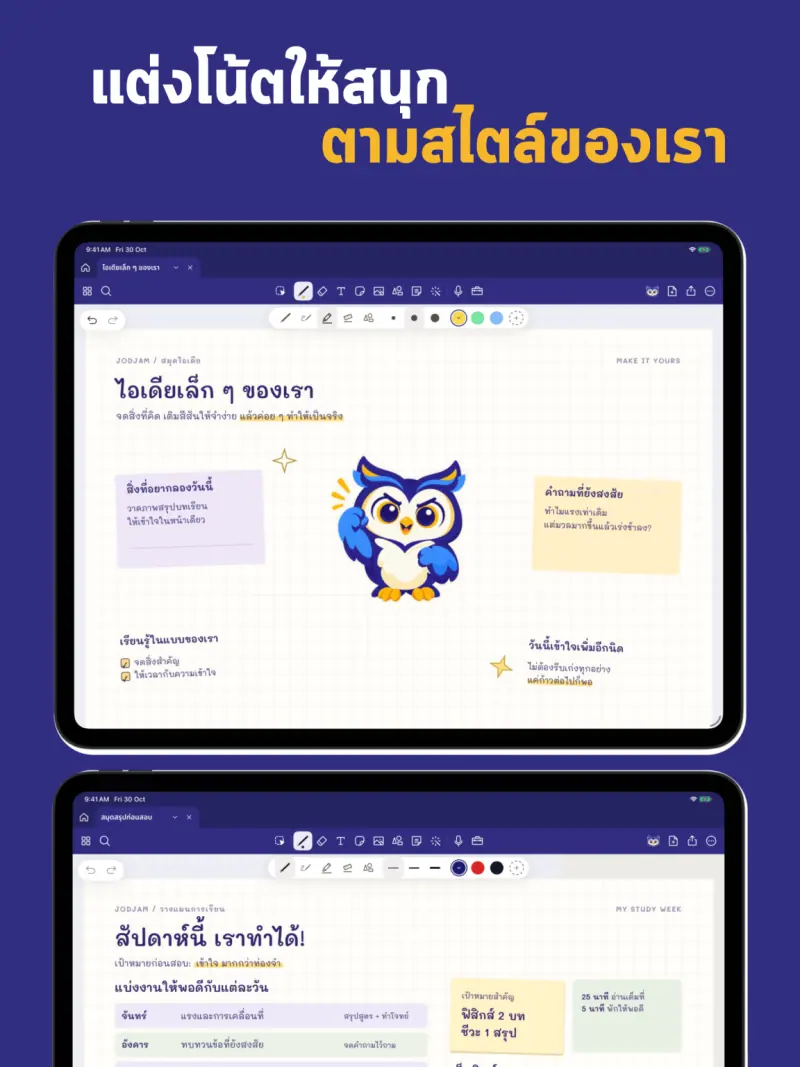
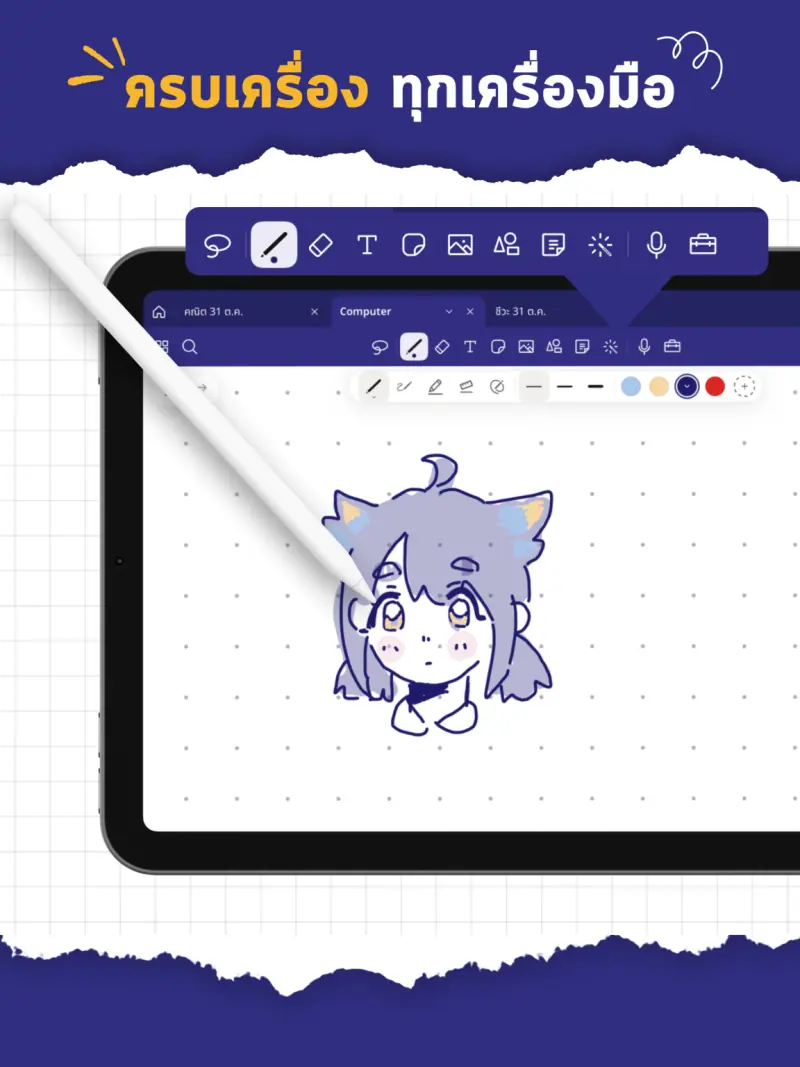
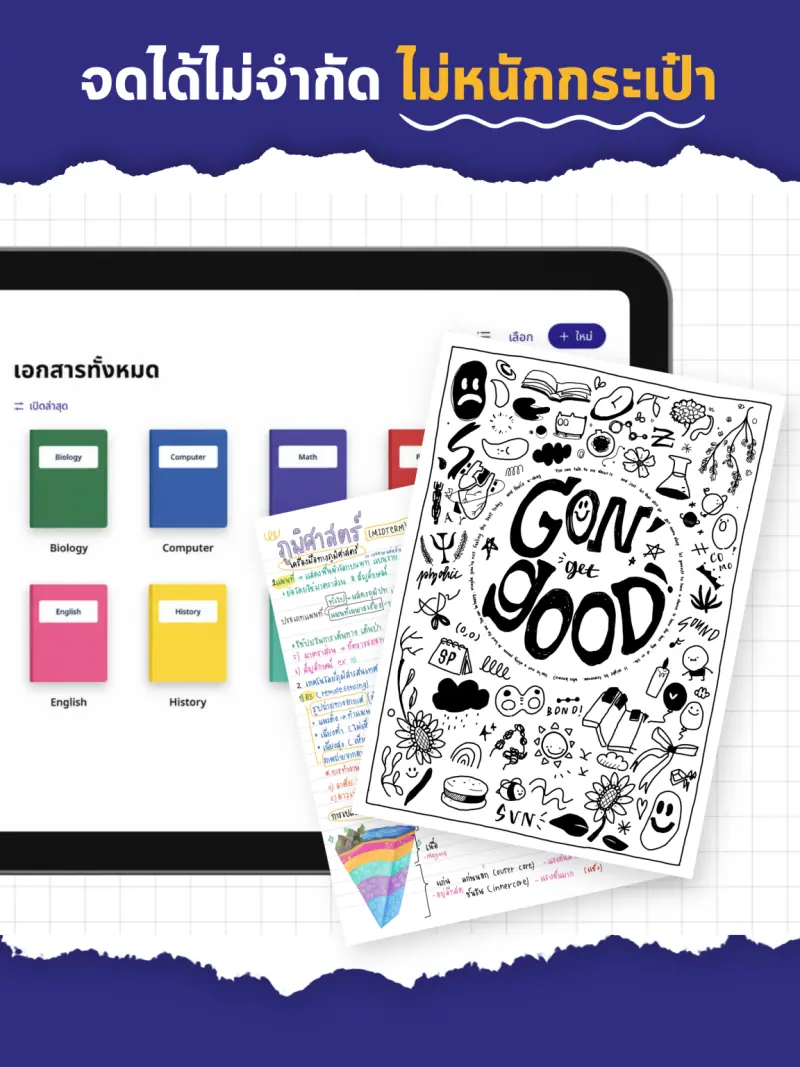
Write on iPad with Apple Pencil, and ask P'HOOQ on any page
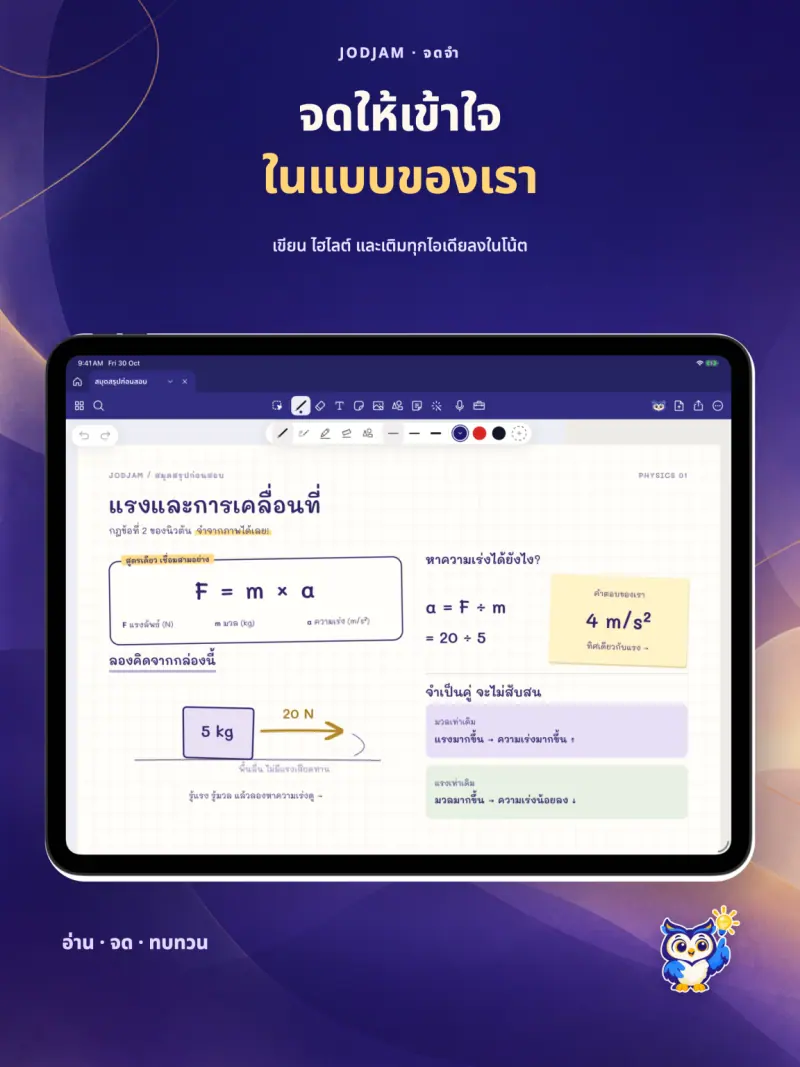
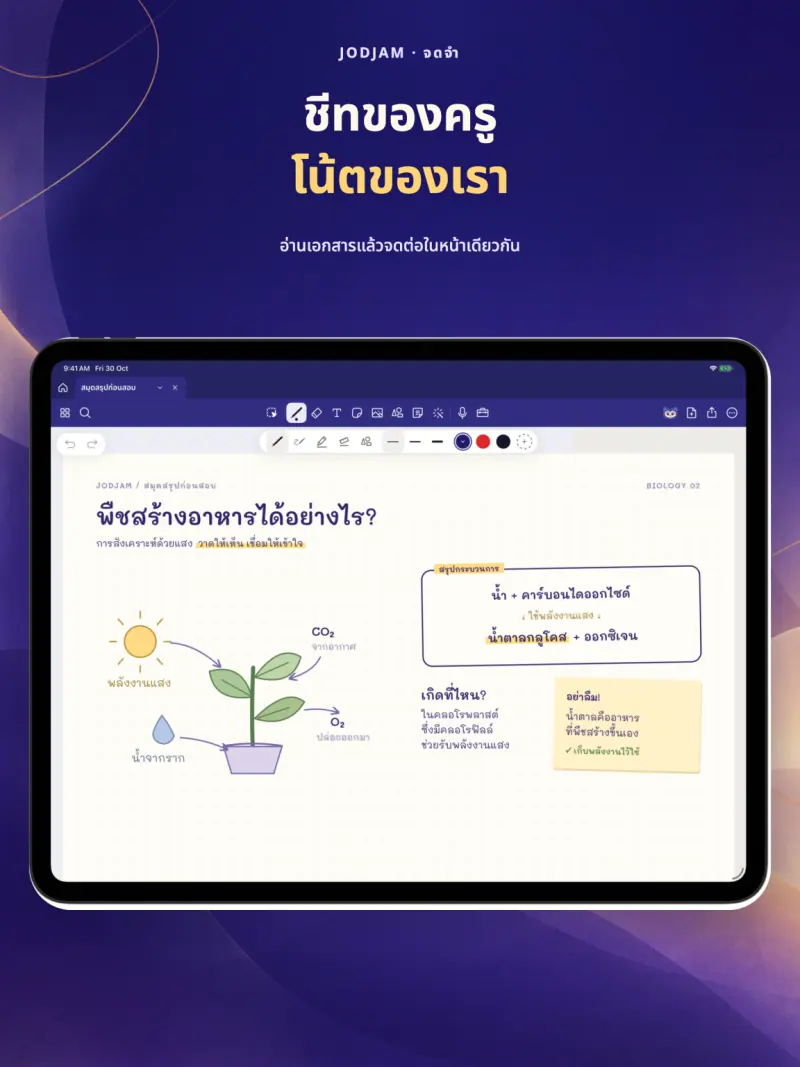
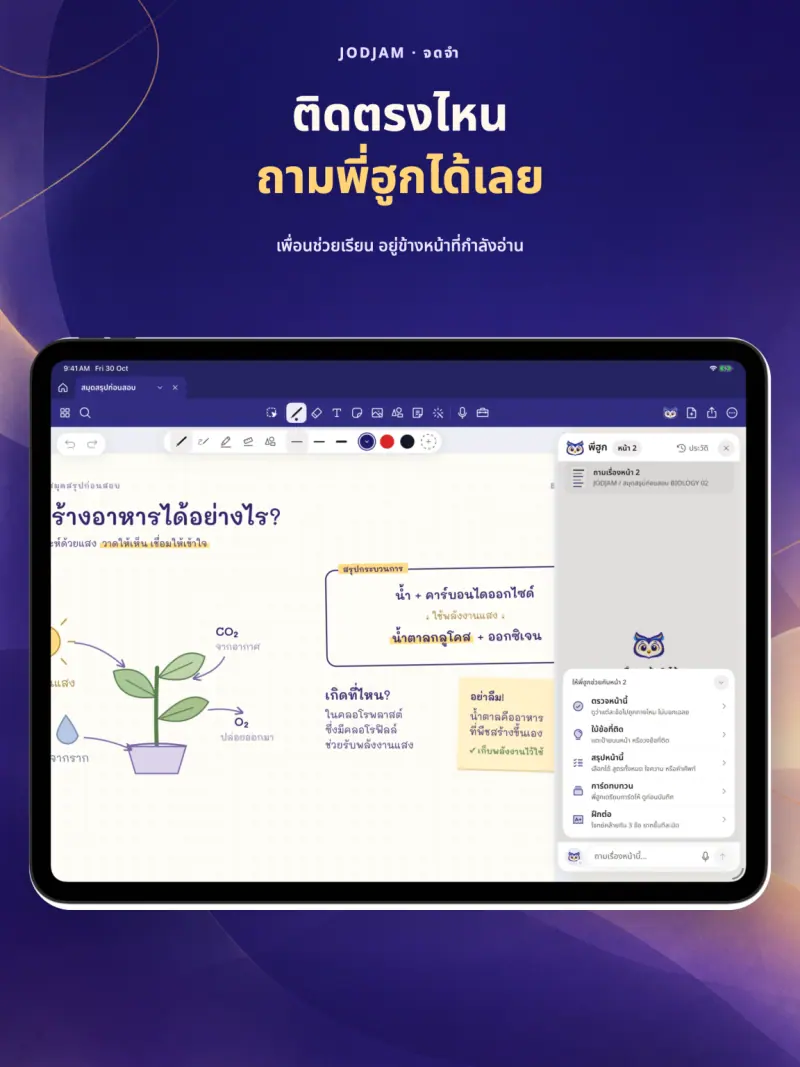
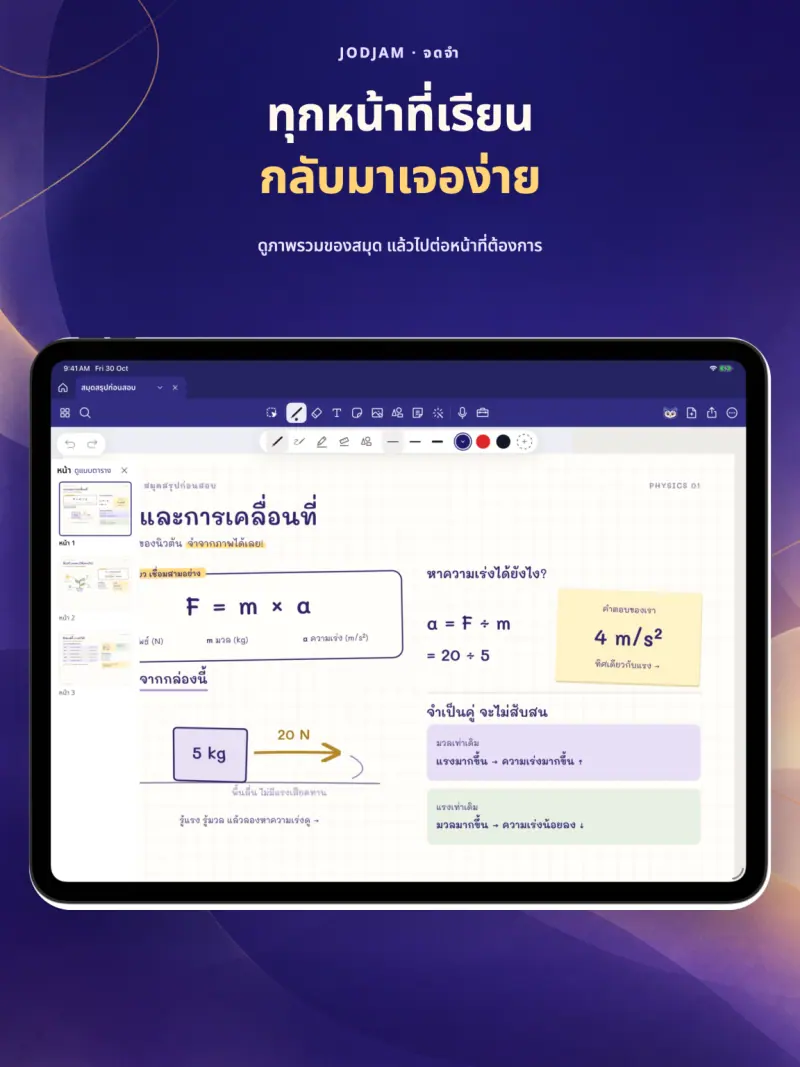
A teaching assistant that reads the room
- See the pages students struggle with most, with the circled evidence
- P'HOOQ drafts a reply; you edit it and send it back into that page
- Assign, grade and print parent reports in one place
- Mark with a pen, take attendance by QR, teach the whole class live and grade
- Works with the PDF worksheets you already use
Works without internet
Read, write and hand in anywhere; everything syncs when you're back online. No data selling, no ads.
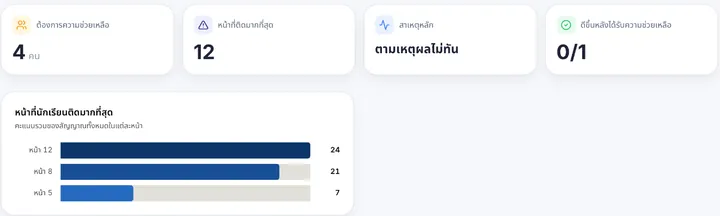
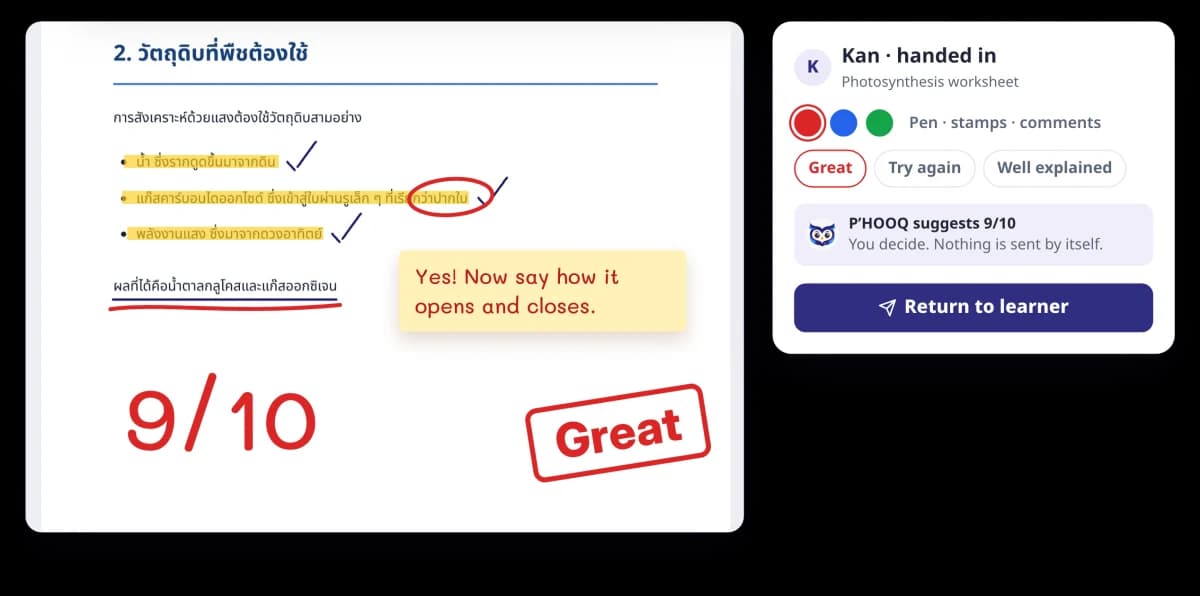
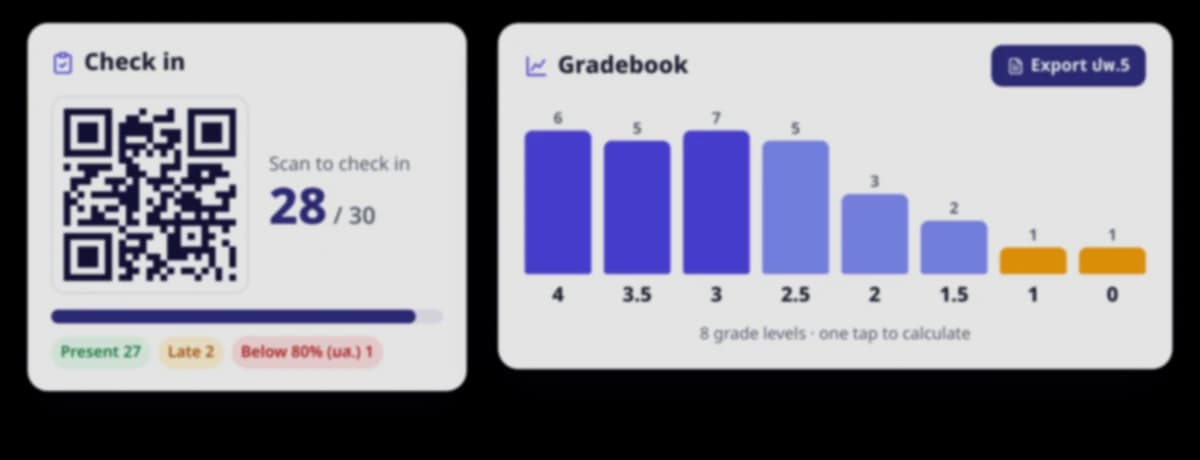
Pictures use sample data
Plans
The price the App Store shows before you buy is the real price. Subscriptions renew automatically and can be cancelled in your Apple ID settings.
JODJAM Free
Drop by, say hi and try a few light notes
Free
- Every note-taking tool, PDF export
- Join 1 class
- A little P'HOOQ every day
- Ask your teacher any time
Jum-Dee
Neat notes, solid memory, unlimited notebooks
฿199first year
- Unlimited classes and documents
- Translate, read handwritten problems
- 30 min lecture summaries/month
- Teachers ฿349 first year
Jum-Keng
Getting sharper: P'HOOQ guides you and turns lectures into text
฿99/month
- 5x P'HOOQ usage
- Includes Jum-Dee
- 4 h lecture summaries/month
- Yearly ฿1,090
Jumbo
Top form for every exam
฿349/month
- 20x P'HOOQ usage
- P'HOOQ writes explanations on the page
- 10 h lecture summaries/month
- Yearly ฿3,590
For schools
School-wide use with teacher training and school-level reports. Priced by school size; tell us about yours.
- Live class: you turn the pages, students follow, with polls and Got it or Still unsure
- Put a Google Meet, Zoom or Teams link in the same class
- QR attendance, gradebook and report cards (Por Por 5)
- AI helpers for teachers: sheet prep, reply drafts, grading help
- School-wide reports and teacher training
- Priced by school size
PDPA
Questions
Do I need an iPad?
The app is made for iPad and Apple Pencil and is on the App Store. Teachers and students without an iPad can use JODJAM on the web.
Is it free?
Yes. The free plan (JODJAM Free) lets you read, write, use every note-taking tool, hand in work, ask your teacher and export PDFs. Paid plans unlock unlimited classes and documents and more use of P'HOOQ.
What is P'HOOQ?
P'HOOQ is JODJAM's owl-shaped AI study buddy. When you circle what you don't get, P'HOOQ explains it from what is on that page, one step at a time, with hints before answers, and it does not answer outside the lesson.
Does it work without internet?
Yes. What you write is saved on your iPad first and syncs when you are back online. Only P'HOOQ and contacting your teacher need a connection.
Is students' data safe?
We do not sell data, show ads, or use learners' data to train AI models. Personal documents stay on the student's device, and a teacher sees only what a student asks for help with in that teacher's class.
How does a teacher get started?
Create a class, upload your existing PDF worksheets and let students join with a code. Teacher Pulse then shows where the whole class is stuck.